



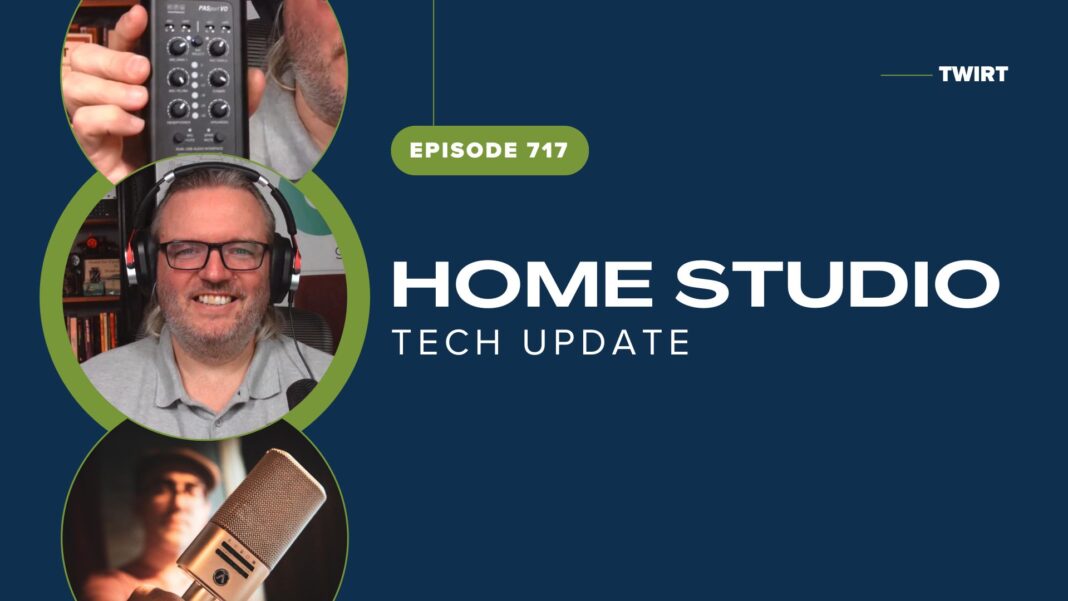


Listen fast, because George Whittam reveals a LOT of gold nuggets of useful audio capture and production information in this episode of TWiRT. Just look at the long list of Show Notes below! George is the engineer to the Voice Over stars, and the rest of the voice talent world, too. We engineers can learn a lot from George’s tireless efforts to help voice talent get the most from their equipment and studios, and modify or build new spaces when needed. Check out George’s advice, then follow him on other podcasts and his website to dig into solid audio engineering advice.
Show notes:
- Centrance PASport – Voiceover Actor's Audio Interface with dual USB interfaces
- George highly recommends the Apollo Twin family of audio interfaces
- George is a fan of the very solid Earthworks Audio ETHOS mic
- The R0DE NT1 mic is also popular among George’s clients
- The Austrian Audio OC818 mic boasts an impressive lineage and design heritage
- Source-Connect is a longtime favorite remote audio connection software among VO artists
- ipDTL is another favorite software service for remote audio connections
- And Cleanfeed.net is an industry standard for remote audio production
- George highly recommends Twisted Wave audio editor, now for Windows, too – and even offers a free training seminar on Twisted Wave setup and use.
Guest
George Whittam – Owner a GeorgeThe.Tech – Consultant at Tri-Booth, Co-host VOBS.TV and Pro Audio Suite Podcast
Host
Kirk Harnack, The Telos Alliance, Delta Radio, & South Seas Broadcasting
Follow Kirk on Twitter – @kharnack
Follow TWiRT on Twitter – @TWiRTshow and Facebook
Sponsored by
Nautel and the HD Digital Radio Test Drive
Broadcasters General Store, with outstanding service, saving, and support. Online at BGS.cc. Broadcast Bionics – making radio smarter with Bionic Studio, visual radio, and social media tools at Bionic.radio.
Angry Audio and the new Rave analog audio mixing console.
The new MaxxKonnect Broadcast U.192 MPX USB Soundcard – The first purpose-built broadcast-quality USB sound card with native MPX output.